Slow Boot Times Pointed to a Storage Problem
Once the PC booted into Windows 10, we noticed that startup was still slower than expected. Although the overheating issue had already been identified, this suggested there was another performance problem affecting the system.
To investigate properly, we carried out a range of checks, including:
- temperature testing
- system performance diagnostics
- GPU inspection
- SSD and hard drive health checks
- cooling and stability analysis
The overheating test results were still not where they should have been, so we continued with deeper diagnostics.
SSD Health Was Critically Low
Further checks showed that the NVMe SSD health was down to only 40%, which explained the slow boot times and reduced overall responsiveness of the Alienware PC. A failing SSD can cause poor performance, delayed loading, system instability, and in some cases freezing or crashes.
This meant the machine had more than one problem: cooling issues were causing overheating and shutdowns, while poor SSD health was contributing to sluggish performance.
Graphics Card Service Improved Performance Further
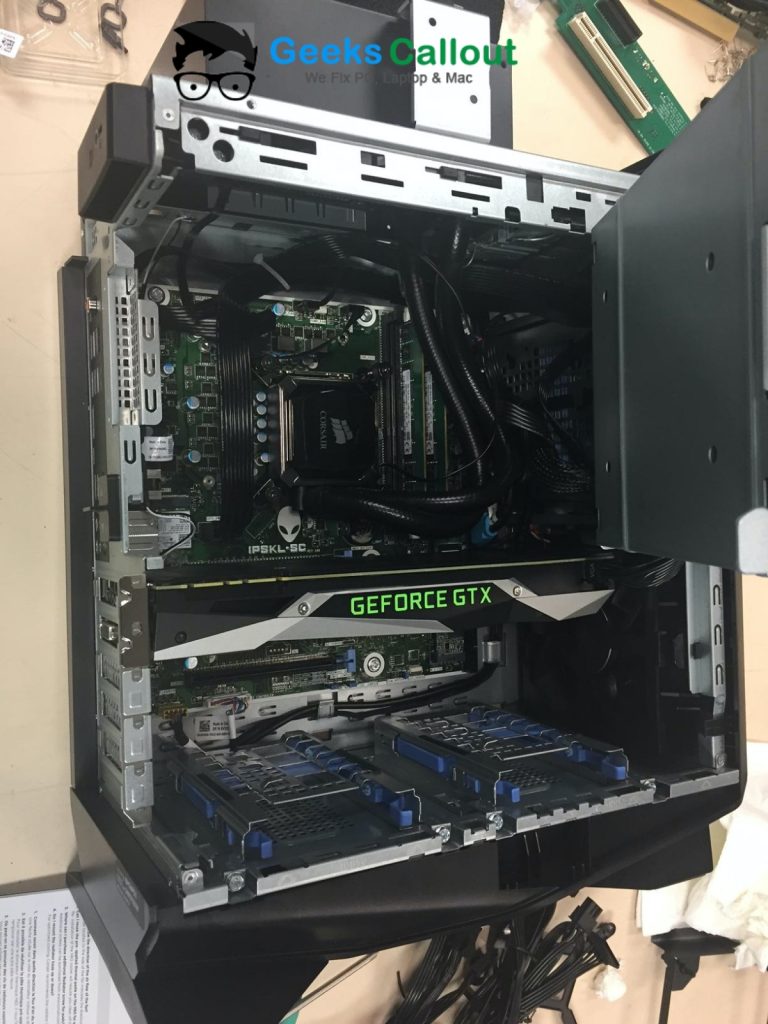
Before final testing, our engineer also serviced the NVIDIA GeForce RTX 2080 graphics card. The fan was cleaned thoroughly, and fresh thermal compound was applied where needed.
This made a noticeable difference. Once benchmark testing was run again, the GPU performance results improved significantly, confirming that the graphics side of the system was now performing much more efficiently.
Recommended Repairs and Upgrades
Once all checks were complete, we contacted the customer and explained the findings clearly.
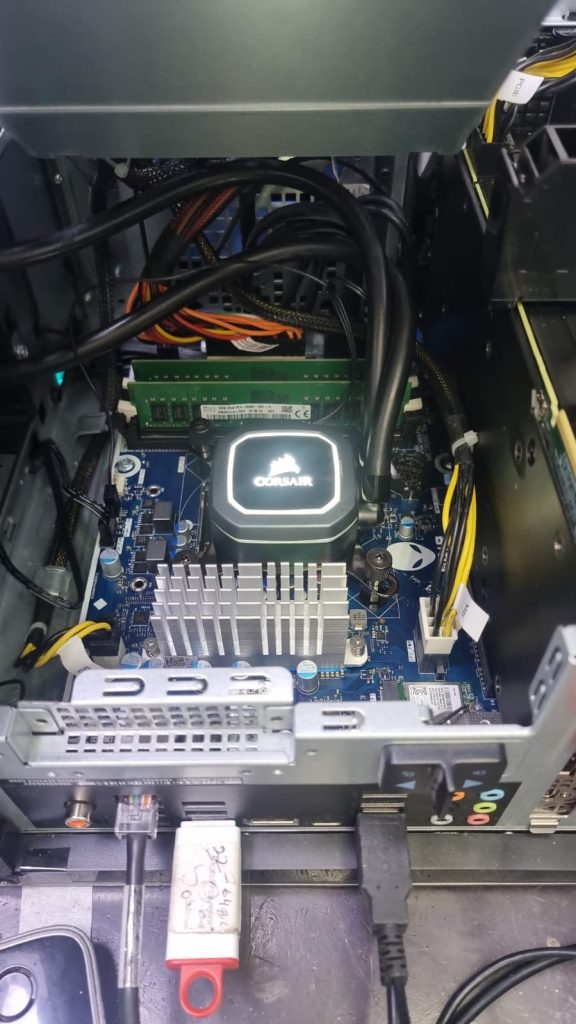
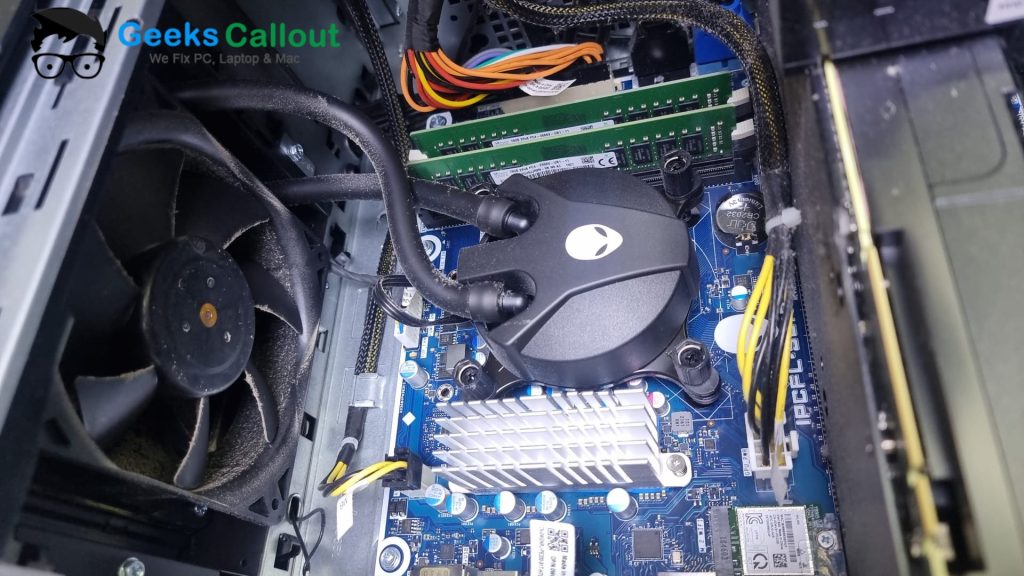
We advised that the existing cooling setup was no longer performing properly and that the system would require a new Corsair H60 liquid cooling system. We also recommended replacing the failing 250GB NVMe SSD with a higher-performance drive to restore speed and reliability.
The customer approved the work and asked us to go ahead with whatever was needed to get the Alienware desktop running properly again.
Parts Replaced
Our gaming PC repair technician completed the following work:
-
replaced the faulty liquid cooling system with a new Corsair H60 cooler
-
replaced the failing 250GB NVMe SSD
-
upgraded the storage to a high-performance Samsung Pro NVMe SSD
-
cleaned the internal fans and system thoroughly
-
renewed thermal compound where required
-
tested GPU, SSD, cooling, and system stabilityFinal Testing and Return
The full repair and upgrade process took around two days. On the third day, our technician carried out the final round of checks.
This time, the results were excellent. The cooling system was performing properly, the new NVMe SSD had restored speed and responsiveness, and the graphics card was delivering strong benchmark results. Most importantly, the PC was no longer suffering from overheating, freezing, random shutdowns, or FPS drops.
Once testing was complete, we arranged free return delivery and sent the Alienware desktop back to the customer the very same day.
The Result
What started as an overheating and freezing issue turned out to be a combination of:
-
poor internal airflow
-
dried thermal paste
-
underperforming liquid cooling
-
low-health NVMe SSD
-
GPU cooling maintenance requirements
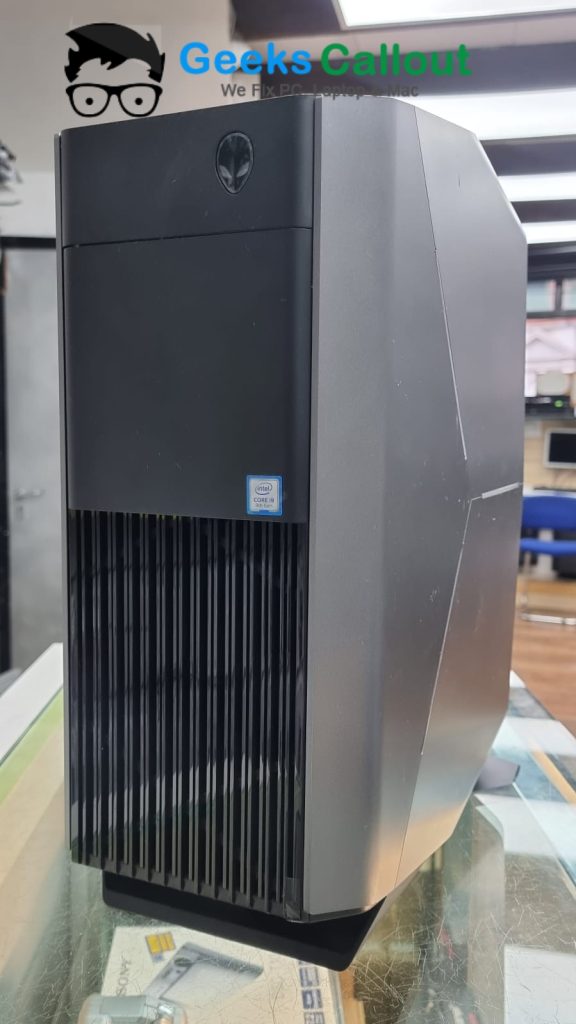
By diagnosing the system properly and carrying out the right repairs, Geeks Callout London restored the Alienware gaming PC to strong working condition and significantly improved its performance.
The customer was delighted with the result and especially pleased to have the system running smoothly again without shutdowns, freezing, or gaming performance problems.
Need Alienware Gaming PC Repair in London?
If your Alienware desktop PC is overheating, freezing, shutting down, or running slowly, Geeks Callout London can help. We provide expert support for gaming PC repair in London, including overheating diagnosis, cooling replacement, SSD upgrades, GPU servicing, internal cleaning, and performance testing.
We also offer free collection and return, making the process easy for customers across London.