Water damage is one of the most common reasons laptops stop working unexpectedly. Whether it’s a spilled cup of coffee during a meeting, a knocked-over water bottle at home, or an accidental splash while traveling, liquid exposure can quickly turn a perfectly functioning laptop into an expensive problem.
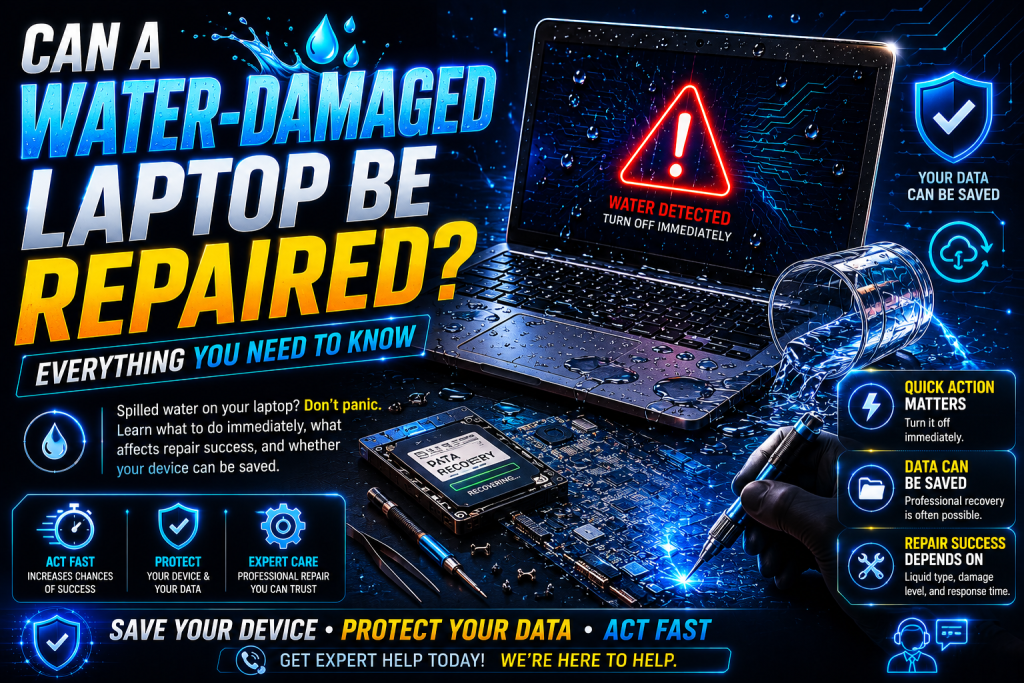
The good news is that a water-damaged laptop can often be repaired, especially if the right steps are taken immediately after the spill. The chances of successful repair depend on several factors, including the type of liquid, how quickly the laptop was powered off, and how soon it received professional attention.
For residents and businesses across London, including Whitechapel, Isleworth, and Notting Hill, understanding what happens after water damage can help you make informed decisions and potentially save both your laptop and your valuable data.
What Happens When Water Gets Inside a Laptop?
Modern laptops contain thousands of tiny electronic components working together on highly sophisticated circuit boards. When water or any liquid enters the device, several problems can occur almost instantly.
The biggest risks include:
- Electrical short circuits
- Corrosion of motherboard components
- Keyboard failure
- Screen connector damage
- Battery issues
- Charging port failure
- SSD or storage connection problems
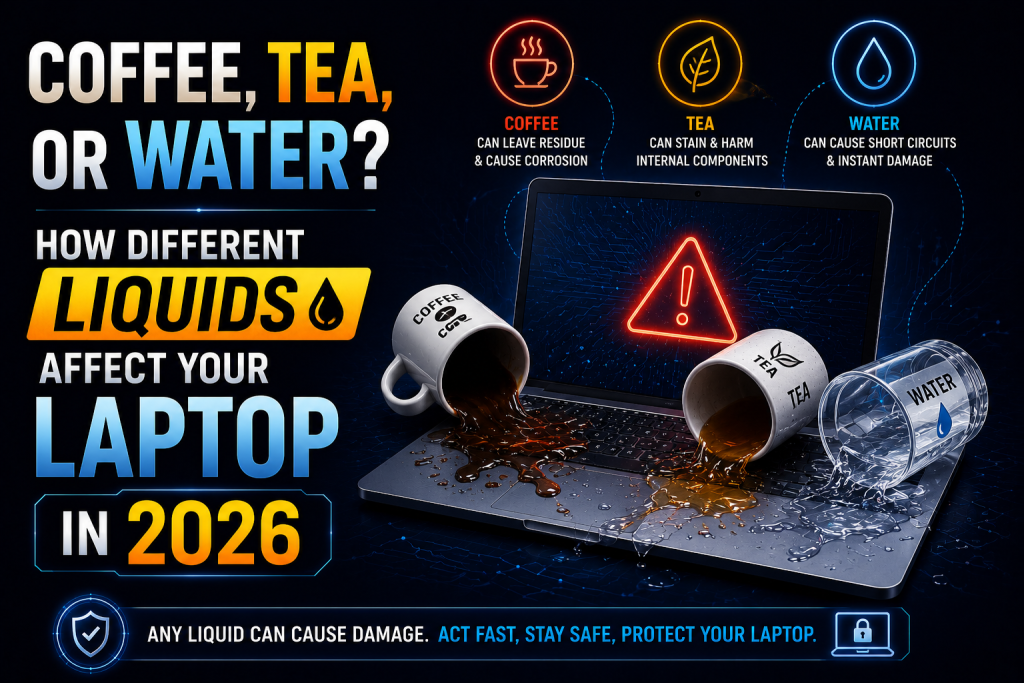
While pure water is harmful enough, beverages like coffee, tea, soda, wine, and juice can be even more damaging because they contain sugar, acids, and minerals that leave conductive residue inside the laptop.
Can Every Water-Damaged Laptop Be Repaired?
The answer depends on the extent of the damage.
Many laptops are successfully repaired after water exposure, particularly when:
- The laptop was powered off immediately.
- The charger was disconnected.
- The battery was removed (if possible).
- Professional cleaning was performed quickly.
- Corrosion had not yet spread extensively.
However, if the laptop continued operating after the spill or was left wet for several days, the damage may become more severe.
Professional diagnosis is the only reliable way to determine whether repair is possible.
The First Few Minutes Make All the Difference
Time is the biggest factor in determining whether a laptop can be saved.
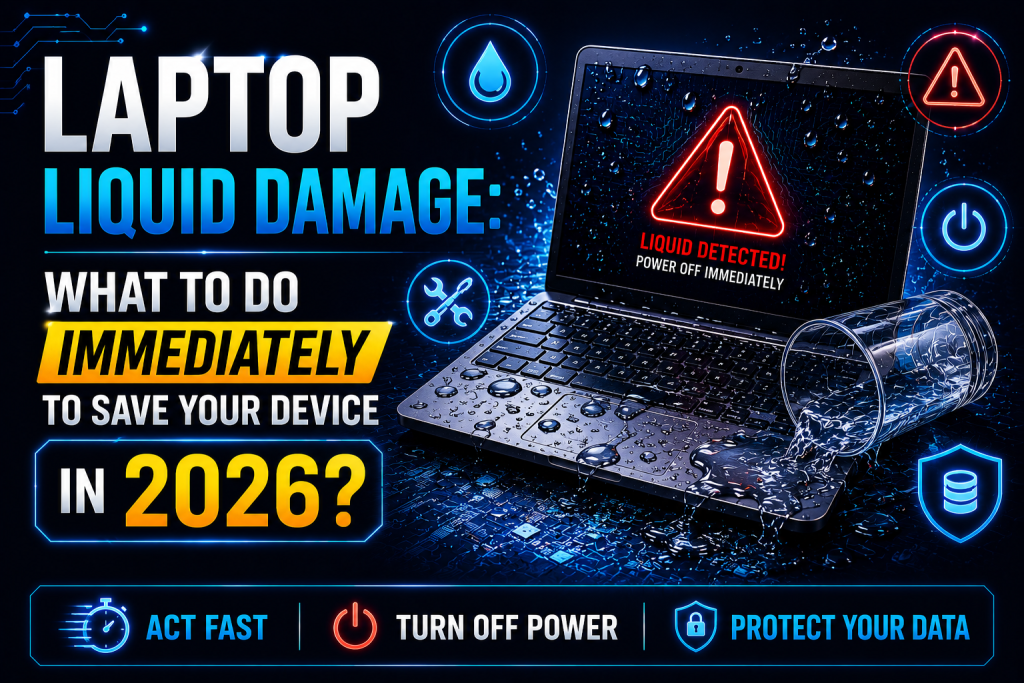
Immediately after a spill:
- Turn the laptop off immediately.
- Disconnect the charger.
- Remove connected accessories.
- Remove the battery if it’s removable.
- Turn the laptop upside down in a tent position.
- Gently dry the exterior using a microfiber cloth.
- Avoid pressing any keys.
- Do not attempt to power it back on.
These simple steps can significantly reduce internal damage.
Common Liquids That Damage Laptops
Not all liquids cause the same level of damage.
Water
Water can cause electrical shorts but usually leaves minimal residue if cleaned quickly.
Coffee
Coffee contains acids and oils that increase corrosion.
Tea
Tea contains minerals that leave deposits on sensitive circuits.
Soft Drinks
Sugary drinks are particularly harmful because they leave sticky residue that continues damaging components long after the spill.
Milk
Milk leaves proteins and fats that can cause corrosion and unpleasant odors.
Alcoholic Drinks
Mixed drinks often contain sugar and flavorings that make cleanup more difficult.
Signs Your Laptop Has Water Damage
Sometimes water damage is obvious. Other times, symptoms appear gradually over days or weeks.
Common warning signs include:
- Laptop won’t turn on
- Keyboard stops responding
- Screen flickers
- Battery won’t charge
- Random shutdowns
- Overheating
- Strange clicking noises
- USB ports stop working
- Wi-Fi or Bluetooth failures
- Slow performance
If you notice any of these symptoms after a spill, professional inspection is recommended.
Why You Shouldn’t Try DIY Repairs
Many online tutorials suggest using rice, hair dryers, or household cleaning products.
Unfortunately, these methods often make the situation worse.
Common DIY mistakes include:
- Using a hair dryer, which pushes moisture deeper into the laptop
- Placing the laptop in rice, which does not remove internal moisture
- Spraying cleaning chemicals inside the device
- Turning the laptop on “just to check”
- Leaving the laptop near a radiator or heater
Professional repair technicians use specialized equipment designed for delicate electronics.
What Happens During Professional Water Damage Repair?
Professional repair involves much more than simply drying the laptop.
A typical repair process includes:
Complete Disassembly
The laptop is carefully opened, and internal components are removed.
Battery Isolation
Power is disconnected to prevent additional electrical damage.
Inspection
Technicians inspect the motherboard, connectors, keyboard, display, and charging circuits.
Corrosion Removal
Specialized cleaning solutions remove oxidation and residue from electronic components.
Component Testing
Every major component is tested individually to identify failures.
Repairs or Replacements
Damaged parts such as keyboards, charging ports, cooling fans, or motherboards are repaired or replaced if necessary.
Quality Testing
The laptop undergoes comprehensive testing before being returned to the customer.
Can the Motherboard Be Repaired?
Many people assume a damaged motherboard means the laptop is beyond repair.
This isn’t always true.
In many cases, skilled technicians can repair:
- Burned components
- Corroded connectors
- Power circuits
- Charging circuits
- Damaged capacitors
- Faulty integrated chips
If the motherboard cannot be repaired economically, replacement may be recommended.
What About Data Recovery?
One of the biggest concerns after water damage is losing valuable files.
Fortunately, data recovery is often possible.
Even if the laptop no longer powers on, the internal SSD or hard drive may still contain all your documents, photos, videos, and work files.
Professional technicians can often recover:
- Business documents
- University assignments
- Family photos
- Financial records
- Software projects
- Personal files
The sooner recovery is attempted, the higher the success rate.
How Long Does Water Damage Repair Take?
Repair times vary depending on the severity of the damage.
Typical timelines include:
- Inspection: Same day
- Cleaning: 1–2 days
- Minor repairs: 2–3 days
- Major motherboard repairs: Several days
- Parts replacement: Depends on component availability
Prompt diagnosis helps prevent additional corrosion that could delay repairs.
Is Repair Better Than Buying a New Laptop?
In many situations, repairing a water-damaged laptop is more cost-effective than purchasing a new one.
Repair may be the better choice if:
- The laptop is relatively new.
- It contains important data.
- Only a few components are damaged.
- The motherboard is repairable.
- Replacement costs are significantly higher than repair.
A professional assessment helps determine the most economical option.
Tips to Prevent Future Water Damage
Preventing spills is much easier than repairing a damaged laptop.
Here are some practical tips:
- Keep drinks away from your workspace.
- Use spill-resistant water bottles.
- Avoid eating and drinking over your laptop.
- Use a laptop stand.
- Back up important files regularly.
- Carry your laptop in a waterproof case.
- Keep liquids on a separate table whenever possible.
Simple habits can greatly reduce the risk of accidental damage.
Why Choose Professional Laptop Water Damage Repair?
Professional repair offers several advantages:
- Accurate diagnosis
- Safe internal cleaning
- Advanced repair equipment
- Genuine replacement parts when required
- Improved data recovery chances
- Long-term reliability
- Thorough testing before return
Attempting repairs without proper tools can permanently damage delicate components.
Professional Laptop Repair Services in London
If your laptop has suffered water damage, acting quickly gives you the best chance of saving your device.
At geeks callout, experienced technicians provide professional laptop water damage diagnostics and repairs for customers throughout London.
Service areas include:
- Whitechapel
- Isleworth
- Notting Hill
Whether your laptop has been exposed to water, coffee, tea, juice, or another liquid, prompt professional attention can minimize damage, improve repair success, and help protect your important files.
Frequently Asked Questions (FAQs)
1. Can a water-damaged laptop be fully repaired?
Yes. Many water-damaged laptops can be fully repaired if they receive professional cleaning and repair before corrosion causes irreversible damage.
2. Should I turn my laptop back on after it dries?
No. Even if the laptop appears dry, internal moisture may still be present. Turning it on too soon can cause short circuits and permanent damage.
3. Can files be recovered from a water-damaged laptop?
In many cases, yes. Professional technicians can often recover important files even if the laptop itself no longer powers on.
4. Is rice effective for drying a wet laptop?
No. Rice does not remove moisture trapped inside electronic components and cannot clean corrosive residue left by liquids.
5. Which areas in London do you cover for laptop water damage repair?
Professional laptop repair services are available across London, including Whitechapel, Isleworth, and Notting Hill, providing expert diagnostics, liquid damage repair, and data recovery support.