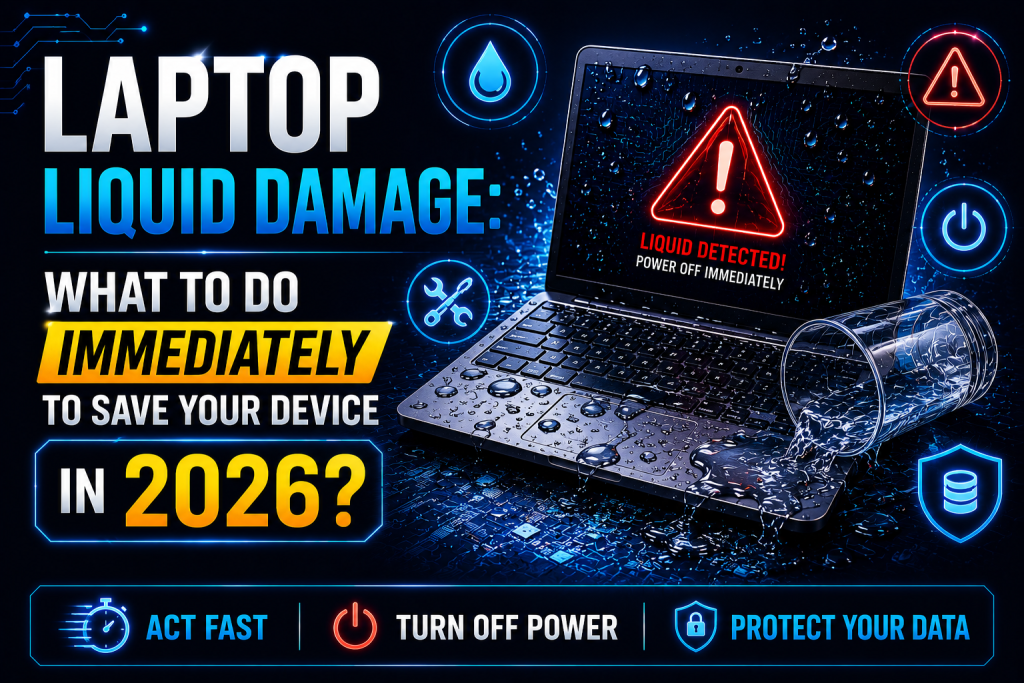
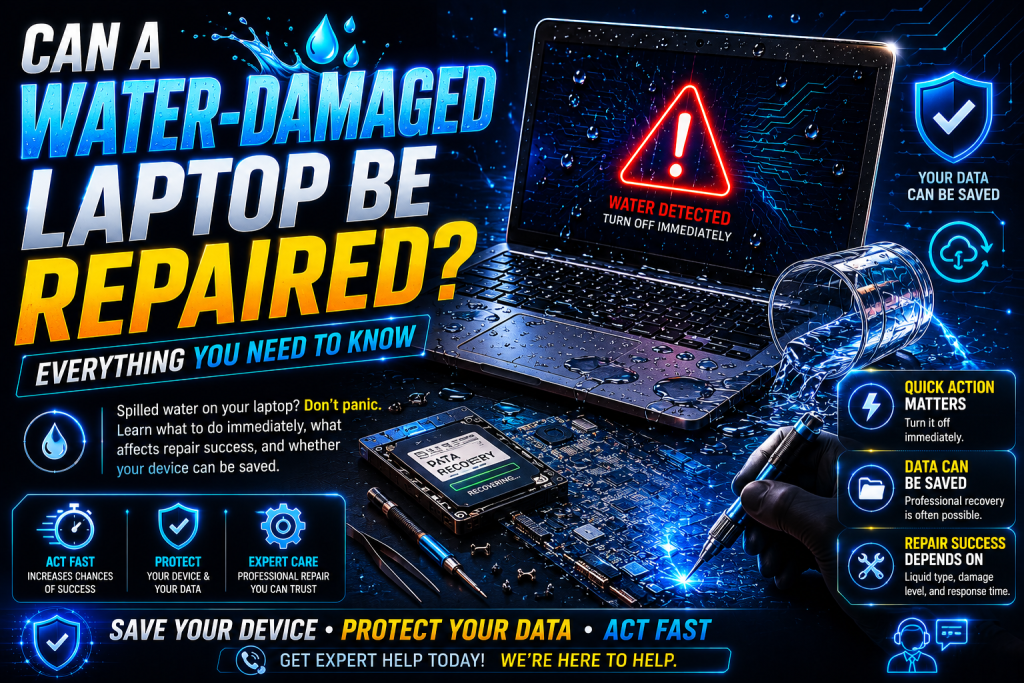
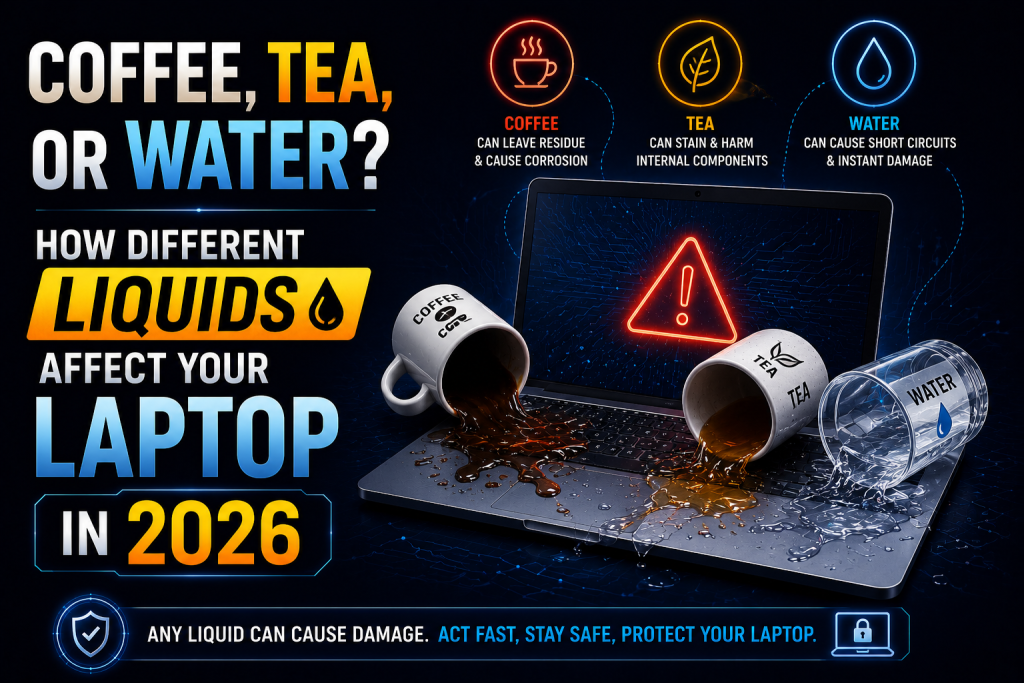
Spilling a drink on your laptop is one of the most common accidents at home, in the office, or while working remotely. Whether it’s a cup of coffee during a morning meeting, a glass of water beside your desk, or an afternoon tea break gone wrong, liquid damage can quickly turn an expensive device into a costly repair project.
In 2026, laptops are more compact, powerful, and lightweight than ever before. However, their slim designs leave very little room for protection against liquid intrusion. Even a small spill can reach the motherboard, keyboard, battery, display connectors, or storage drive within seconds.
One question many laptop owners ask is:
Does it matter what liquid was spilled?
The answer is yes.
Different liquids affect your laptop in different ways. While clean water may cause temporary electrical issues, sugary drinks, coffee, and tea often create long-term corrosion that continues damaging components long after the spill has dried.
If you live or work in London, including Whitechapel, Isleworth, or Notting Hill, understanding how various liquids impact your laptop can help you respond quickly and improve the chances of a successful repair.
Why Liquid Damage Is More Serious Than It Looks
Many people assume that if their laptop turns back on after drying, everything is fine.
Unfortunately, that’s not always true.
When liquid enters a laptop, it can:
- Short-circuit electrical components
- Corrode delicate motherboard traces
- Damage charging circuits
- Cause keyboard failure
- Affect the cooling system
- Create rust inside connectors
- Permanently damage integrated chips
Some problems appear immediately, while others develop gradually over days or even weeks.
How Liquids Enter a Laptop
Modern laptops contain multiple openings that allow liquids to enter, including:
- Keyboard gaps
- USB ports
- Charging ports
- Cooling vents
- Speaker openings
- Touchpad edges
Once liquid gets inside, it spreads quickly across internal components through gravity and capillary action.
Even a few drops can reach critical hardware.
Water: The Least Harmful—but Still Dangerous
Water is often considered the safest liquid because it contains fewer contaminants than other beverages.
However, that doesn’t mean it’s harmless.
Water can:
- Cause electrical short circuits
- Damage the motherboard
- Affect battery connections
- Interrupt power delivery
- Corrode metal contacts over time
Pure distilled water causes less damage than tap water because it contains fewer minerals. Tap water contains dissolved minerals that leave conductive residue once the water evaporates.
Even if only water was spilled, immediate action is still essential.
Coffee: One of the Most Damaging Spills
Coffee is among the most common causes of laptop liquid damage.
Unfortunately, it’s also one of the most destructive.
Coffee contains:
- Water
- Natural acids
- Oils
- Minerals
- Sugar (if added)
- Milk or cream (if added)
These ingredients create sticky residue that clings to electronic components.
As the liquid dries, the residue becomes conductive and corrosive, increasing the risk of long-term motherboard damage.
Coffee spills often lead to:
- Sticky keyboards
- Corroded circuits
- Failed charging ports
- Non-responsive touchpads
- Overheating
The more additives your coffee contains, the greater the potential damage.
Tea: More Harmful Than Most People Think
Tea appears harmless because it’s mostly water.
However, tea contains:
- Tannins
- Minerals
- Natural acids
- Sugar (if sweetened)
- Milk (if added)
These substances leave deposits inside the laptop that encourage corrosion.
Tea residue can remain hidden beneath keyboard layers and motherboard components, causing failures weeks after the spill.
Soft Drinks: The Worst Liquid for Electronics
Soft drinks are especially dangerous because they combine:
- Water
- High sugar content
- Carbonation
- Artificial coloring
- Acids
Sugar hardens as it dries.
This sticky layer traps moisture, attracts dust, and continues damaging components long after the original spill.
Carbonated drinks may also spread deeper inside the laptop due to bubbling.
Juice and Energy Drinks
Fruit juices and energy drinks contain:
- Sugar
- Citric acid
- Artificial flavorings
- Coloring agents
Acidic liquids attack metal connectors and accelerate corrosion.
These beverages often require extensive professional cleaning.
Milk-Based Drinks
Milk, hot chocolate, and specialty coffee drinks create unique repair challenges.
Milk contains:
These ingredients leave thick residue that becomes difficult to remove without complete disassembly.
Milk spills can also produce unpleasant odors if left untreated.
Alcoholic Beverages
Many people assume alcohol evaporates safely.
Pure alcohol evaporates quickly.
However, mixed drinks often contain:
- Syrups
- Fruit juice
- Sugar
- Flavorings
These ingredients create the same problems as soft drinks and coffee.
Sports Drinks
Sports drinks contain electrolytes designed to conduct electricity inside the human body.
Unfortunately, they also conduct electricity inside laptops.
Their mineral content increases the likelihood of electrical short circuits.
Which Liquid Causes the Most Damage?
Here’s a general ranking from least to most damaging:
- Distilled water
- Tap water
- Black coffee
- Tea
- Milk
- Fruit juice
- Sports drinks
- Soft drinks
- Sweetened coffee with milk
- Sticky alcoholic cocktails
Regardless of the liquid, immediate action is the most important factor in preventing permanent damage.
What Should You Do Immediately After a Spill?
If any liquid reaches your laptop:
Turn It Off Immediately
Hold the power button until the laptop shuts down.
Disconnect the Charger
Remove all power sources immediately.
Unplug Accessories
Disconnect:
- USB devices
- External monitors
- Memory cards
- External drives
Remove the Battery (If Possible)
For laptops with removable batteries, disconnect the battery immediately.
Modern sealed laptops should be opened only by trained technicians.
Turn the Laptop Upside Down
Place it in an inverted “V” position to help excess liquid drain away from internal components.
Dry the Exterior
Use a clean microfiber cloth.
Do not rub aggressively.
Avoid Turning It Back On
Even if the laptop appears dry, internal moisture may still be present.
Common Mistakes to Avoid
Many well-intentioned actions actually make the damage worse.
Avoid:
- Using a hair dryer
- Leaving the laptop in direct sunlight
- Putting the laptop in rice
- Spraying cleaning chemicals
- Pressing keyboard keys repeatedly
- Charging the laptop after the spill
- Waiting several days before seeking help
Quick professional attention significantly improves repair success.
How Professionals Repair Liquid-Damaged Laptops
Professional technicians use specialized tools and equipment unavailable to most consumers.
Typical repair steps include:
Complete Disassembly
Every internal component is carefully removed.
Internal Inspection
Technicians identify corrosion, burned components, and hidden moisture.
Ultrasonic Cleaning
Sensitive circuit boards may undergo ultrasonic cleaning to remove contaminants and corrosion.
Component Testing
Motherboard, storage drive, battery, display, keyboard, and charging circuits are individually tested.
Repairs
Faulty components are repaired or replaced where possible.
Quality Assurance
The laptop is fully tested before being returned to the customer.
Can Your Data Still Be Saved?
Even if your laptop won’t power on, your files may still be recoverable.
Professional technicians can often recover:
- Family photos
- Business documents
- Videos
- School assignments
- Financial records
- Creative projects
The sooner recovery begins, the higher the chance of success.
Preventing Future Liquid Damage
Simple habits can dramatically reduce the risk of spills.
Best practices include:
- Keep beverages away from your laptop.
- Use spill-proof bottles.
- Avoid eating over your keyboard.
- Use a laptop stand.
- Store drinks on a separate surface.
- Regularly back up important files.
- Use a protective laptop sleeve while traveling.
Small precautions can save hundreds of pounds in repair costs.
Professional Laptop Liquid Damage Repair in London
If your laptop has been exposed to water, coffee, tea, or any other liquid, don’t wait for symptoms to get worse.
At geeks callout experienced technicians provide professional laptop liquid damage diagnosis, cleaning, repair, and data recovery services throughout London.
Service coverage includes:
- Whitechapel
- Isleworth
- Notting Hill
Whether you’ve spilled a simple glass of water or a sugary coffee drink, prompt professional assessment can greatly improve the chances of restoring your laptop and protecting your valuable data.
Frequently Asked Questions (FAQs)
1. Which liquid is the most harmful to a laptop?
Sugary drinks such as soda, sweetened coffee, energy drinks, and fruit juice are generally the most damaging because they leave sticky, corrosive residue on internal components.
2. Can a laptop survive a coffee spill?
Yes. Many laptops can be repaired after a coffee spill if they are turned off immediately and professionally cleaned before corrosion spreads.
3. Is water less damaging than tea or coffee?
Generally, yes. Clean water leaves less residue than tea or coffee, but it can still cause electrical short circuits and corrosion if not addressed promptly.
4. Should I use rice to dry my wet laptop?
No. Rice is not an effective solution for liquid-damaged electronics. It cannot remove internal moisture or clean residue from sensitive components.
5. Which areas do you cover for laptop liquid damage repair in London?
Professional laptop liquid damage repair services are available throughout London, including Whitechapel, Isleworth, and Notting Hill, providing expert diagnostics, cleaning, repairs, and data recovery.