Inspection Found Another Issue: USB-C Charging Port Fault
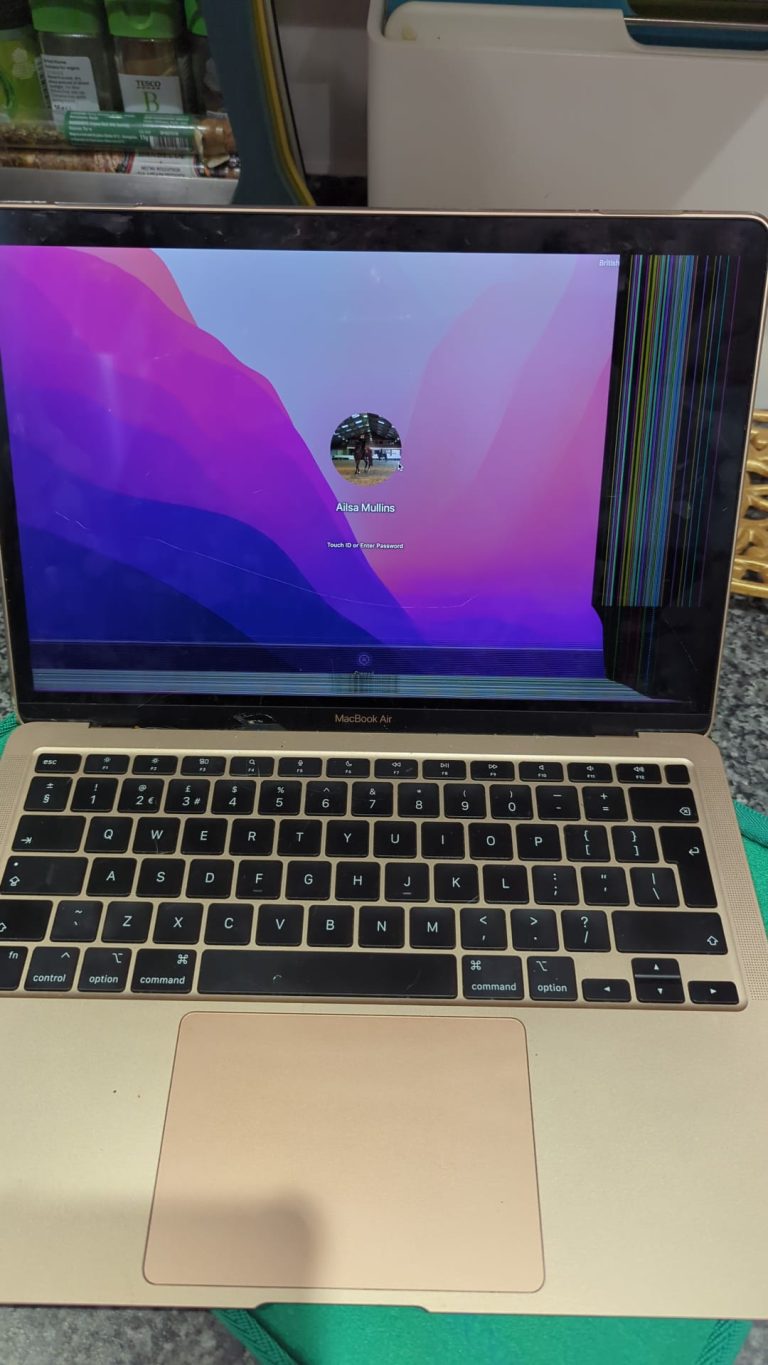
Once the MacBook Pro A2337 arrived at our lab, our Apple Mac technician carried out a full inspection before starting the screen repair.
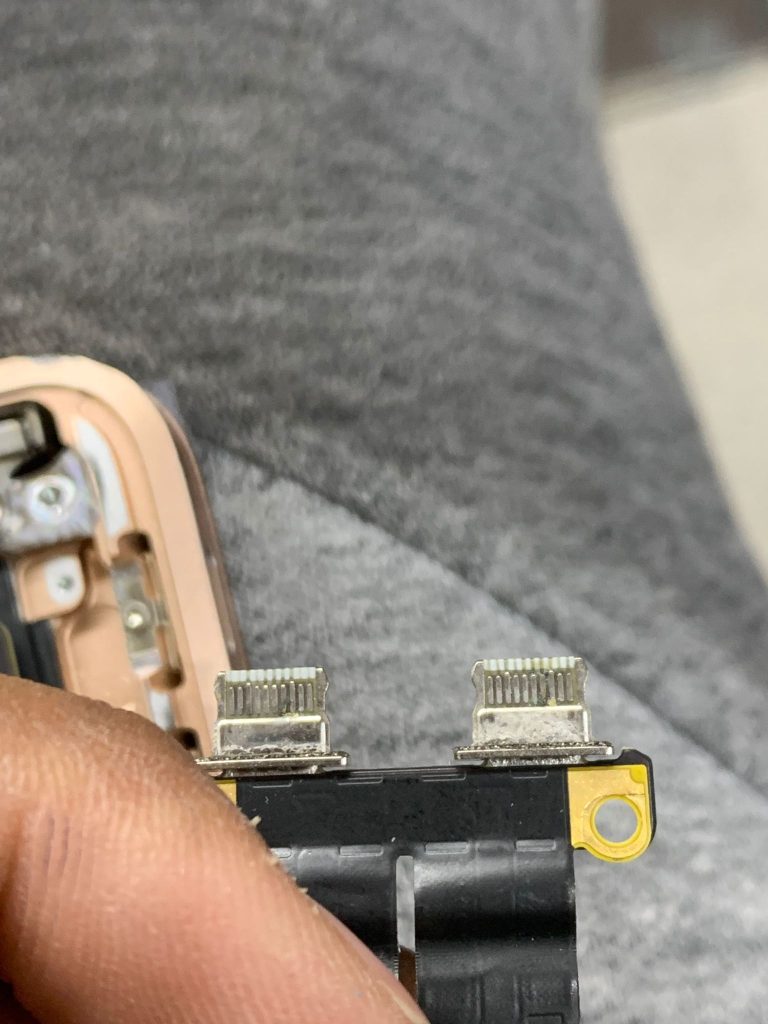
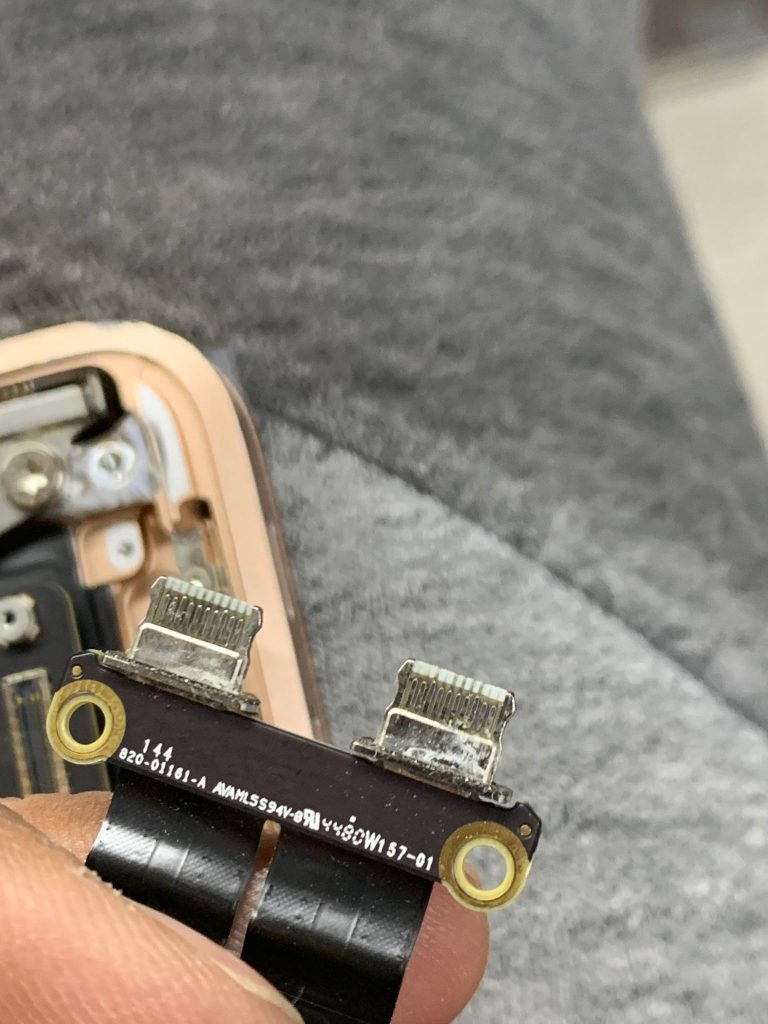
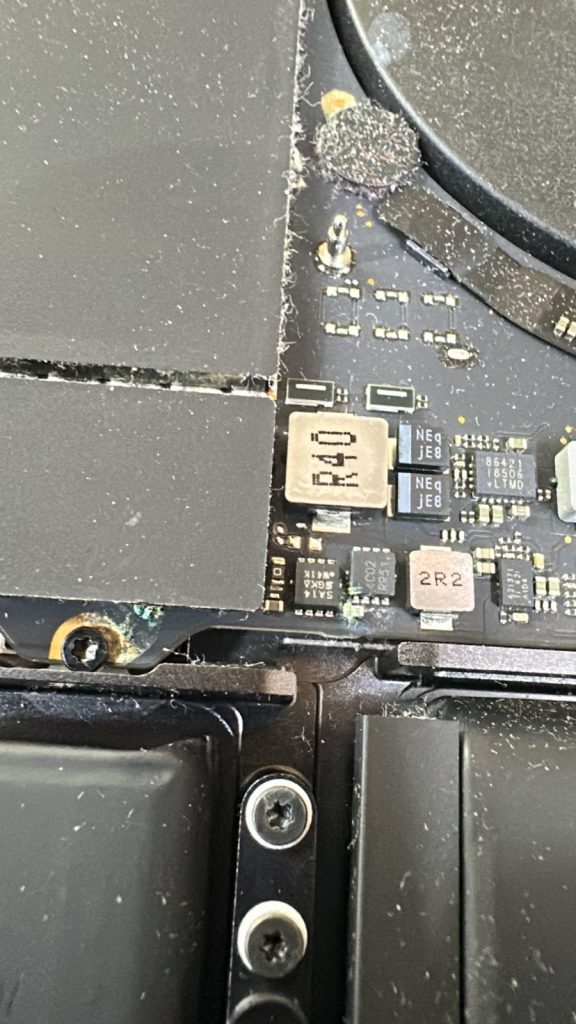
During testing, we noticed a charging issue linked to the USB-C port. The customer later confirmed they had already been having charging problems for some time but had not mentioned it when booking the repair.
This is why we always recommend proper diagnostics before completing any MacBook repair. Sometimes the obvious fault is not the only problem. A broken screen may be the reason the customer calls, but charging faults, battery issues, liquid damage, keyboard problems or board-level symptoms can also be present.
In this case, the USB-C port needed attention, so we informed the customer, explained the fault clearly and provided a quote before carrying out the additional repair.
MacBook Pro A2337 Screen Replacement
After confirming the repair plan, our technician replaced the damaged MacBook screen.
A MacBook screen replacement needs to be done carefully. The display must be fitted correctly, tested for image quality, checked for lid movement and inspected to make sure there are no display lines, flickering, brightness faults or connection issues.
Once the new screen was installed, the MacBook display was tested properly. The result was a clean, sharp display that brought the laptop back to normal use.
USB-C Charging Port Replacement
The second part of the repair was the USB-C charging port issue.
USB-C ports on modern MacBooks are used heavily. They handle charging, accessories, external displays, data transfer and docking stations. Over time, a port can become loose, damaged, unreliable or stop charging altogether.
For this MacBook Pro A2337, the charging fault was repaired by replacing the damaged USB-C port. After the replacement, we tested charging stability, cable connection, power delivery and general port behaviour to make sure the MacBook was charging correctly again.
This was an important part of the repair because a new screen would not have helped the customer properly if the MacBook still had charging problems.
Completed Within 24 Hours
The full repair, including the screen replacement and USB-C charging port replacement, was completed within 24 hours.
Speed matters, but only when the repair is done properly. Our aim was not just to return the MacBook quickly, but to make sure both faults were fixed and tested before delivery.
Before returning the device, we checked:
screen display quality
lid movement and alignment
USB-C charging behaviour
general startup and performance
battery charging response
external connection stability
overall condition after repair
Once testing was complete, the MacBook was delivered back to the customer.
The Result: Screen Fixed, Charging Restored
The customer originally came to us for a broken screen, but the final result was better than a simple display replacement. The MacBook Pro A2337 was returned with a working screen and the charging issue resolved at the same time.
This saved the customer from booking a second repair later and meant the MacBook was genuinely ready to use again.
The customer was pleased with the fast turnaround, the collection and delivery service, and the fact that we found and fixed the charging problem during the same repair.
What This Repair Shows
This case is a good example of why proper inspection is important with MacBook repairs.
When a device comes in with visible damage, such as a broken screen, it is easy to focus only on that fault. But laptops often have more than one issue, especially if they have been dropped, heavily used or already showing charging problems.
In this case, checking the MacBook properly allowed us to repair both problems in one visit:
damaged MacBook Pro screen
faulty USB-C charging port
It also helped the customer avoid further disruption.
Common Signs of a MacBook USB-C Charging Port Problem
You may have a USB-C port issue if your MacBook shows any of these symptoms:
charging only works at a certain angle
the cable feels loose in the port
the MacBook does not detect the charger
charging starts and stops randomly
accessories disconnect during use
one USB-C port works but another does not
the MacBook charges slowly or inconsistently
If you notice these signs, it is better to get the port checked before it becomes worse or causes further issues.