1. Avoid the “Lap Trap” with a Cooling Pad
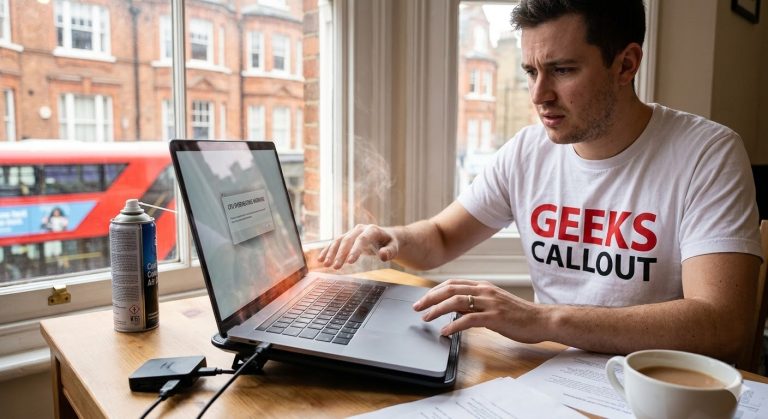
Despite the name, your lap is the worst place to put a laptop. Placing your device directly on your lap, a bed, or a couch instantly smothers the bottom cooling vents. Instead of hot air escaping, it gets trapped and redirected back into your CPU and GPU.
The Fix: Invest in a premium USB-powered cooling pad. These sleek accessories elevate your machine and use directional fans to force cold air directly into your system’s intake vents, ensuring your hardware stays chilled even during heavy workloads.
2. Eradicate Dust with Compressed Air Maintenance
Over time, London dust, lint, and pet hair will inevitably get sucked into your cooling system, acting like a suffocating blanket over your internal components.
The Fix: Pick up a can of compressed air from any major hardware or tech store. Once every couple of months, completely power down your laptop and carefully flip it over. Using the attachable straw, blast short, circular bursts of air into the cooling vents to dislodge any blockages. Never use a vacuum cleaner, as it can cause damaging static electricity.
3. Listen to Your Hardware: The Failing Fan
Your internal cooling fan is your machine’s heartbeat. If it falls silent while the chassis feels hot, or if it begins making unusual grinding, rattling, or clicking noises, you have a critical hardware emergency on your hands.
When to Call London’s Elite Tech Concierge
If you’ve cleared the dust and elevated the device, but your system is still burning up, you need professional intervention before the motherboard completely fails. That is where our master technicians step in.
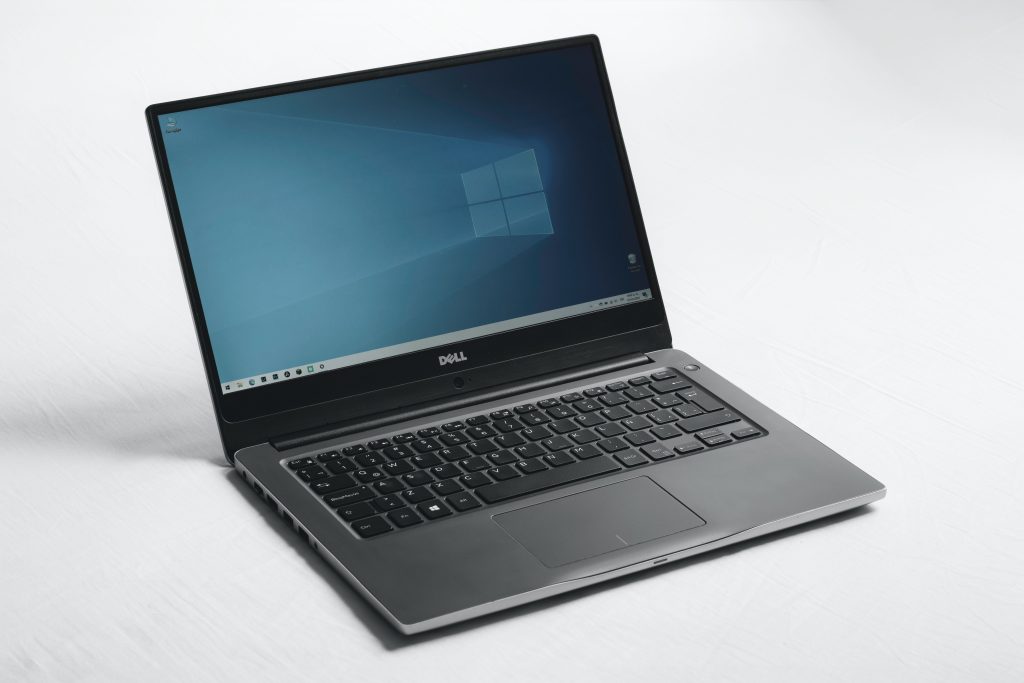
Expert Laptop Repair: We crack open the chassis, apply premium, high-conductivity thermal paste to your processor, and replace failing fans to restore absolute factory cooling.
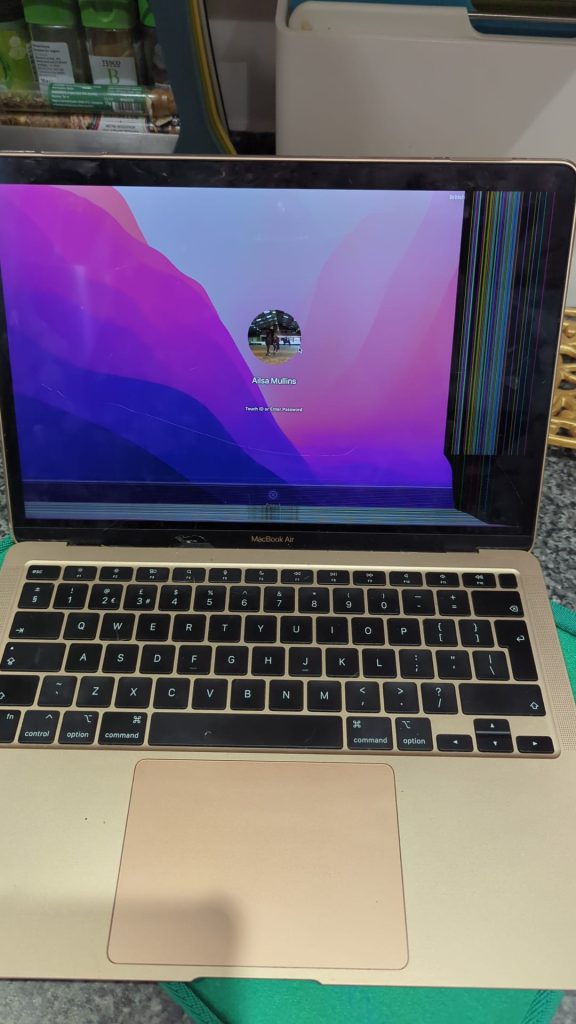
Bespoke Mac Repair: Apple’s beautiful, tightly packed aluminum designs are notorious for trapping heat. We specialize in the intricate teardowns required to safely service overheating MacBook Pros and MacBook Airs.
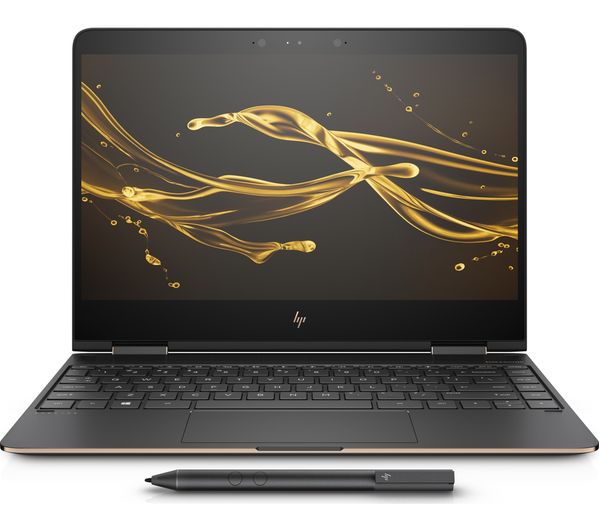
Advanced Gaming PC Repair: Pushing your rig to maximum frame rates generates massive thermal output. Whether you need a liquid cooling system flushed or a custom fan curve optimized, our experts keep your high-end hardware performing flawlessly under pressure.