A reliable keyboard is one of the most important parts of your Mac. Whether you use your Mac for work, studying, graphic design, programming, or everyday browsing, a responsive keyboard helps you stay productive and comfortable throughout the day.
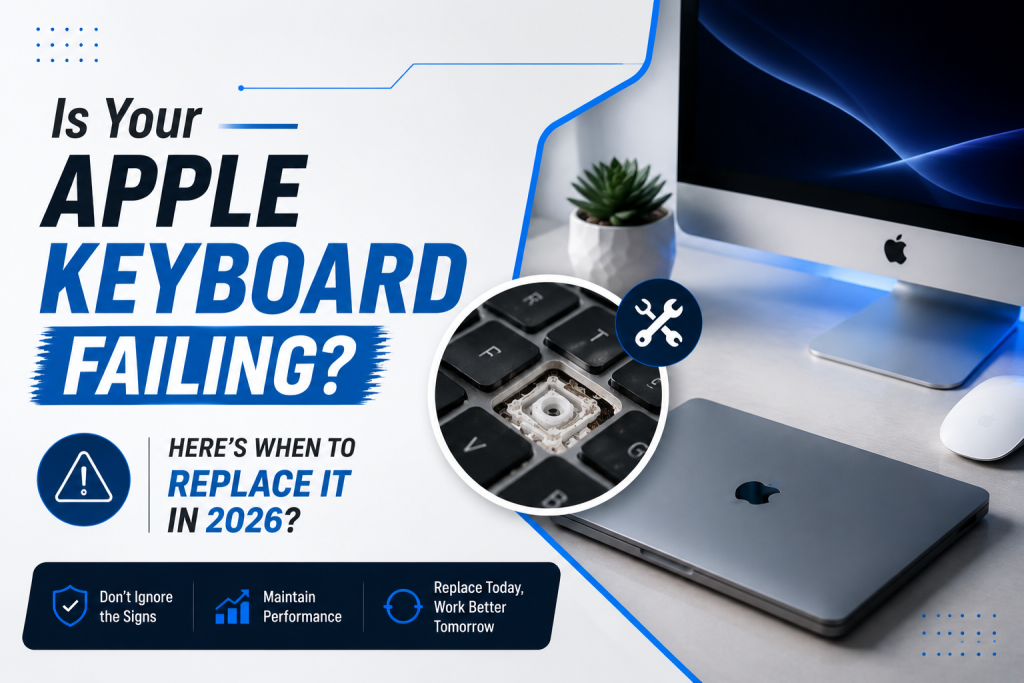
However, after years of daily use, Apple keyboards can develop problems such as unresponsive keys, sticky buttons, repeated keystrokes, liquid damage, or Bluetooth connectivity issues. When repairs are no longer practical, replacing the keyboard becomes the best solution.
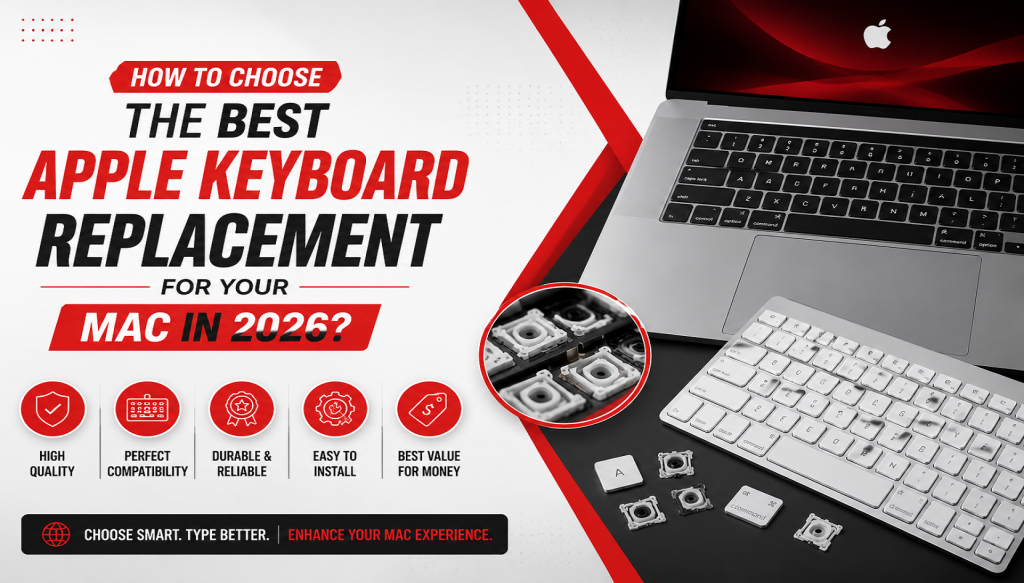
Choosing the right Apple keyboard replacement in 2026 is about more than simply purchasing another keyboard. You need to consider compatibility, build quality, typing experience, connectivity, and your daily workflow to ensure you get the best value and performance.
At Geeks Callout, we specialize in professional Apple keyboard replacement services for customers across London. Our experienced technicians provide convenient on-site support in Whitechapel, Isleworth, Notting Hill, and surrounding areas, helping homeowners and businesses restore their Apple devices quickly and efficiently.
Why Replacing Your Apple Keyboard Matters
A faulty keyboard can significantly impact your productivity. Even minor issues such as delayed keystrokes or sticky buttons can slow down your work and lead to typing errors.
Replacing a worn-out keyboard offers several benefits:
- Faster typing speeds
- Improved typing accuracy
- Better comfort during extended use
- Reliable performance
- Enhanced productivity
- Reduced frustration
- A more enjoyable user experience
If your keyboard is no longer functioning as expected, replacing it can restore your Mac to its optimal performance.
Signs You Need an Apple Keyboard Replacement
Before selecting a replacement keyboard, it’s important to recognize the warning signs that indicate your current keyboard has reached the end of its lifespan.
Common symptoms include:
- Sticky keys
- Keys not responding
- Repeated letters while typing
- Broken or missing keycaps
- Bluetooth disconnections
- Battery charging issues
- Uneven keyboard backlighting
- Physical damage
- Water or liquid exposure
- Keys requiring excessive force
If these problems continue after cleaning or troubleshooting, replacement is usually the most reliable solution.
1. Verify Compatibility with Your Mac
Compatibility should always be your first consideration.
Apple keyboards vary depending on:
- MacBook model
- iMac
- Mac mini
- Mac Studio
- Mac Pro
Different generations use different keyboard layouts, connectors, and technologies.
Before replacing your keyboard, confirm:
- Your Mac model
- Year of manufacture
- Keyboard layout
- Connection type
- Operating system compatibility
Professional technicians can help identify the correct replacement for your specific device.
2. Decide Between Built-In and External Keyboards
Your replacement needs depend on the type of Apple keyboard you use.
Built-In MacBook Keyboards
If your MacBook keyboard has failed, replacing the internal keyboard restores the original design and portability.
Advantages include:
- Original typing experience
- No additional desk space required
- Seamless integration
- Full portability
External Apple Keyboards
External keyboards are popular for desktop users and professionals working from fixed locations.
Benefits include:
- Comfortable workspace setup
- Flexible positioning
- Easy replacement
- Ideal for multiple devices
Choosing the right option depends on how you use your Mac every day.
3. Consider Wired vs. Wireless
Apple keyboards are available with different connection methods.
Wireless Keyboards
Wireless keyboards provide:
- Clean workspace
- Bluetooth connectivity
- Portability
- Easy switching between compatible devices
They are ideal for modern home offices and minimalist workspaces.
Wired Keyboards
Wired keyboards offer:
- Stable connection
- No battery charging
- Consistent performance
- Reduced latency
Many professionals still prefer wired keyboards for continuous daily use.
4. Evaluate Typing Comfort
Typing comfort is often overlooked until it begins affecting productivity.
A quality keyboard should provide:
- Smooth key travel
- Consistent feedback
- Comfortable spacing
- Quiet operation
- Accurate key response
People who type for several hours each day should prioritize ergonomics and typing feel when selecting a replacement keyboard.
5. Check Keyboard Layout
Keyboard layouts vary depending on your location and language preferences.
In the UK, many users require the UK keyboard layout, which differs slightly from other regional layouts.
Pay attention to:
- Enter key shape
- Pound (£) symbol placement
- Function keys
- Modifier keys
- Special characters
Choosing the correct layout ensures a familiar and comfortable typing experience.
6. Look for Long-Term Reliability
Replacing a keyboard is an investment.
High-quality replacement keyboards typically offer:
- Durable construction
- Responsive switches
- Consistent performance
- Reliable connectivity
- Long operational lifespan
A professionally installed keyboard can provide years of dependable service.
7. Battery Performance for Wireless Keyboards
If you’re replacing an Apple Magic Keyboard, battery life should be an important consideration.
A reliable keyboard should provide:
- Long battery life
- Fast charging
- Stable Bluetooth connection
- Consistent performance between charges
Poor battery performance can interrupt your workflow and reduce productivity.
8. Professional Installation Matters
Many people assume keyboard replacement is a simple DIY task.
However, Apple devices often require specialized tools and technical expertise.
Professional installation offers several advantages:
- Proper disassembly
- Safe handling of internal components
- Accurate keyboard installation
- Functional testing
- Reduced risk of accidental damage
Using experienced technicians helps protect your Mac and ensures the replacement keyboard performs as intended.
9. Consider Your Daily Usage
Different users have different keyboard requirements.
Office Professionals
Need:
- Quiet typing
- Reliable performance
- Comfortable long-term use
Students
Need:
- Portability
- Durability
- Comfortable note-taking
Graphic Designers
Need:
- Accurate shortcut keys
- Reliable modifier keys
- Smooth typing
Programmers
Need:
- Responsive keys
- Consistent feedback
- Long typing sessions without fatigue
Choosing a replacement keyboard that matches your daily workload improves efficiency and comfort.
10. Choose a Trusted Professional Service
Replacing an Apple keyboard isn’t just about the hardware—it’s also about choosing the right service provider.
A professional technician can:
- Diagnose the problem accurately
- Recommend the correct replacement
- Ensure compatibility
- Install the keyboard correctly
- Test all functions before completing the service
This gives you confidence that your Mac is ready for everyday use.
Common Mistakes to Avoid When Choosing an Apple Keyboard Replacement
Many users unknowingly make mistakes that lead to compatibility issues or poor performance.
Avoid these common errors:
- Choosing an incompatible keyboard model
- Ignoring the correct keyboard layout
- Delaying replacement after liquid damage
- Attempting complex repairs without experience
- Overlooking Bluetooth compatibility
- Ignoring battery health in wireless keyboards
- Purchasing based only on price
- Skipping professional diagnostics
Avoiding these mistakes can save time, money, and frustration.
How to Extend the Life of Your New Apple Keyboard
Once you’ve replaced your keyboard, proper maintenance can help maximize its lifespan.
Follow these best practices:
- Clean the keyboard regularly using approved methods.
- Keep food and drinks away from your workspace.
- Avoid excessive force while typing.
- Use a protective case during travel.
- Recharge wireless keyboards before the battery is fully depleted.
- Keep your Mac updated with the latest software.
- Store the keyboard in a clean, dry environment.
- Address minor issues before they become major problems.
Good maintenance habits reduce wear and help keep your keyboard performing at its best.
Professional Apple Keyboard Replacement Services in London
At Geeks Callout, we understand how disruptive a faulty keyboard can be. Whether you’re working from home, managing a business, or studying, we provide professional Apple keyboard replacement services designed to minimize downtime.
Our experienced technicians offer:
- Apple keyboard diagnostics
- MacBook keyboard replacement
- Apple Magic Keyboard replacement
- Keyboard troubleshooting
- On-site home visits
- Office support
- Professional installation
- Comprehensive functional testing
We proudly serve customers throughout London, including:
- Whitechapel
- Isleworth
- Notting Hill
- Central London
- East London
- West London
- North London
- South London
Our mobile service means you don’t have to travel—we come directly to your home or workplace.
Why Choose Geeks Callout?
Customers across London trust Geeks Callout because we focus on quality workmanship and dependable customer service.
Reasons to choose us include:
- Experienced Apple device technicians
- Fast response times
- Convenient mobile support
- Transparent recommendations
- Professional installations
- Home and business services
- Flexible appointment scheduling
- Reliable after-service support
We are committed to helping you get your Mac back to peak performance with minimal disruption.
Frequently Asked Questions (FAQs)
1. How do I know which Apple keyboard is compatible with my Mac?
The correct replacement depends on your Mac model, year of manufacture, and keyboard type. A professional technician can identify the compatible keyboard and ensure it matches your device and UK keyboard layout.
2. Should I repair or replace my Apple keyboard?
Minor issues such as dirt buildup or a damaged keycap may be repairable. However, if your keyboard has multiple non-working keys, liquid damage, or widespread hardware faults, replacement is generally the more reliable long-term solution.
3. Does Geeks Callout offer on-site Apple keyboard replacement in London?
Yes. Geeks Callout provides on-site Apple keyboard diagnostics and replacement services for homes and businesses across Whitechapel, Isleworth, Notting Hill, and many other areas throughout London.
4. How long does an Apple keyboard replacement usually take?
The time required depends on your Mac model and the complexity of the repair. After diagnosing the issue, a technician can provide an estimated completion time and complete the replacement as efficiently as possible.
5. How can I make my new Apple keyboard last longer?
Regular cleaning, avoiding liquid spills, using a protective case during transport, keeping your software up to date, and handling the keyboard with care can significantly extend its lifespan and maintain optimal performance.